Phaser Tools
The Phaser Desktop is a complete game-making studio that runs in a browser tab — no installers, no setup. Every tool below is its own window, all sharing one workspace, so the sprite you paint or the track you generate is in your game the moment you save.
Coding

Code Editor
A full Monaco-powered code editor for your Phaser projects — tabs, IntelliSense and shortcuts, all in the browser.
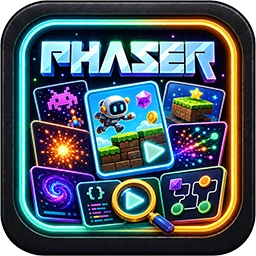
Phaser Examples Browser
Browse the curated Phaser examples library, run any example in the sandbox, and copy it into a project to tweak.
Phaser Docs
The full Phaser API reference — classes, namespaces, events and typedefs with live search and inherited members.

File Explorer
Browse, upload, rename and organise every file in your Phaser virtual file system.

Project Hub
Your game’s mission control — track what’s next, open it in any tool, edit settings and publish updates.
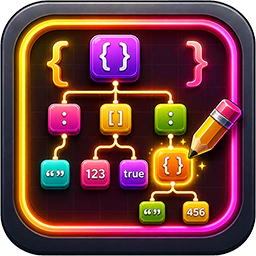
JSON Editor
Open any JSON file as an editable tree with type-aware edits, a node inspector, search and a raw-text escape hatch.
Markdown Editor
Write and preview markdown with split-view live rendering and full version history.

Notes
Quick per-project markdown notes, Apple-Notes style — autosave, pinning and instant search.
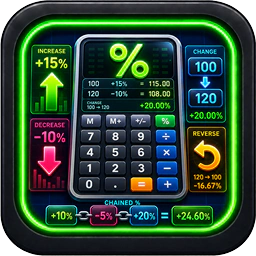
Percentage Calculator
A keyboard-first percentage calculator with live results across six modes.
Storage Viewer
See your cloud storage quota and usage, and top it up with credits.
Creative

Pixel Artist
A canvas pixel-art studio — twelve tools, resizable brushes, FG/BG colours and pixel-perfect zoom.
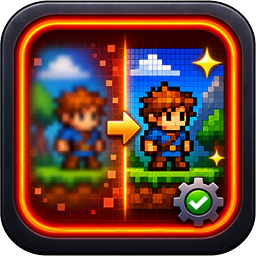
Tidy Pixel Art
Clean up AI-generated art into crisp pixel art and save it straight to your workspace.
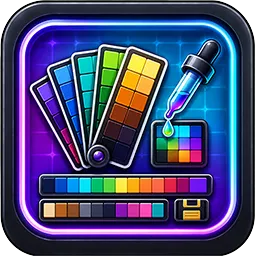
Palette Tool
A curated library of retro and artist palettes — view as swatches or 3D cubes, copy hex with a click.
Texture Atlas Creator
Pack sprites and folders into Phaser-ready texture atlases.
Tilemap Editor
Design Phaser-ready tilemaps with multi-layer painting and one-click Tiled JSON export.
Seamless Texture Generator
Generate tiling material textures from a prompt, with optional PBR maps for 3D and game pipelines.

Image Generator
Generate game art across multiple AI models in a single batch — every result archived to /generations.
Image Edit
Flip, rotate, crop, scale, skew and re-tone images, then save back to the VFS.

Extract Sprites
Detect every sprite in a transparent image and cut them out as individual PNGs.

Background Removal
Remove image backgrounds locally or with AI, compare the result, and save a reusable bundle.

Arcade Physics Editor
Set up Arcade Physics bodies visually, watch them in a live preview, and copy out the values.

SFX Generator
Generate sound effects and loopable ambience from a text prompt, saved as MP3 + AAC + WAV.

Music Generator
Compose original vocal songs from style, mood and lyrics — saved to your library ready to drop into a game.

Audio Editor
Open audio from your workspace, edit the waveform — cut, copy, paste, trim and silence — and save it back to the VFS.
Fun

Live Chat
Join the shared Phaser realtime chat with the rest of the community.

Asteroid Sweeper
Classic minesweeper with a Phaser-flavoured asteroid theme and per-difficulty high scores.

Radio Phaser
Stream non-stop game music, chiptunes and SID classics while you work.

xkcd
Read the latest xkcd webcomic and recent strips — a bit of light relief between coding sessions.